Forgot password
Enter the email address you used when you joined and we'll send you instructions to reset your password.
If you used Apple or Google to create your account, this process will create a password for your existing account.
This site is protected by reCAPTCHA and the Google Privacy Policy and Terms of Service apply.
Reset password instructions sent. If you have an account with us, you will receive an email within a few minutes.
Something went wrong. Try again or contact support if the problem persists.

Steam Screenshots Feature Launched

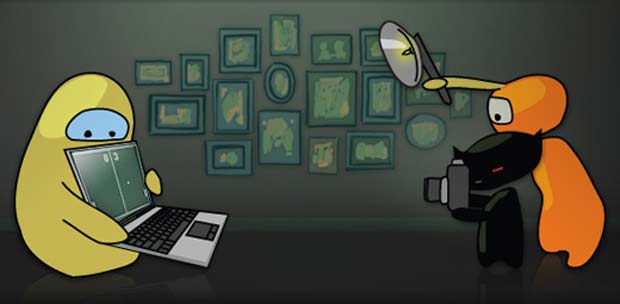
Steam just released a new feature for Valve's game client. The Screenshot feature is fairly easy to use feature that can be accessed by simply pressing one button while playing any game on Steam.
This article is over 14 years old and may contain outdated information

Recommended Videos

Steam has just been updated to allow screenshots.  The new feature just implemented can be accessed by simply pressing one button while playing any game on Steam.  This will allow you to take screenshots of any game that is running the Steam overlay.  You can then manage your screenshots from the manager section, and publish them to your Steam profile, or other social networks like Facebook or Twitter to share with friends.

The screenshots are stored on your own personal Cloud storage within the service up to 1GB in size.  By default, the client sets up your default screengrab as f12 but can be changed to whatever you like by accessing the settings tab while in Steam.  You can also manage your screenshots in game, by pressing TAB SHIFT and pulling up the menu, where the screenshots tab has been newly added.

It’ll download automatically the next time you log in to Steam.


Attack of the Fanboy is supported by our audience. When you purchase through links on our site, we may earn a small affiliate commission. Learn more about our Affiliate Policy
More Stories To Read