



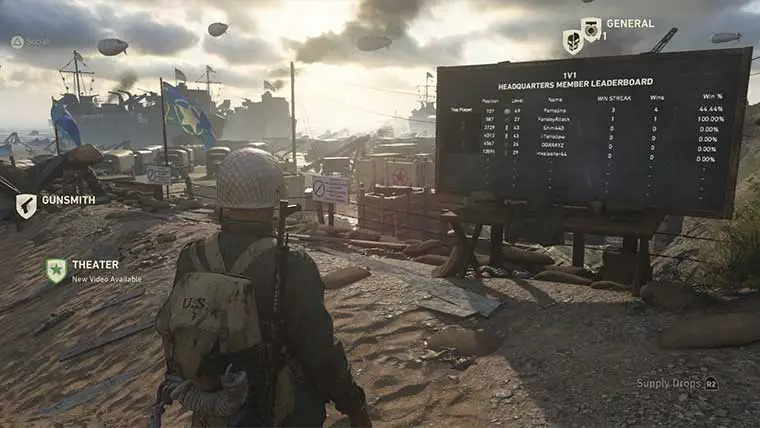

The ability to play one on one is something new to Call of Duty. The Headquarters area allows players to compete in one versus one matches, but you can’t just challenge anyone. For every Headquarters lobby there is a One vs. One Arena and Leaderboard.
The 1v1 Arena is located at the back of the Headquarters, and to play you’ll need to register in the queue. To register for 1v1 matches you’ll need to walk up to the leaderboard for the game, and then press (Square for PS4 | X for Xbox One). This will prompt you to enter the 1v1 Queue.
Once you’re in the queue for the game you can go about your business in Headquarters. The game will prompt you when it’s your turn to play.
Before you play you’ll have the chance to ban one item combination from the game, and so will your opponent. Each player will start with the same equipment after the banning process.
Matches in 1v1 are 60 seconds long and each player gets three lives. The Winner gets to take on the next person in the queue.
When you’re not playing Headquarters you can watch players play in real time in the third person by just looking into the arena. You’ll see the action going on as it unfolds. While playing, the game is played in first person, however.









Published: Nov 2, 2017 07:59 am