



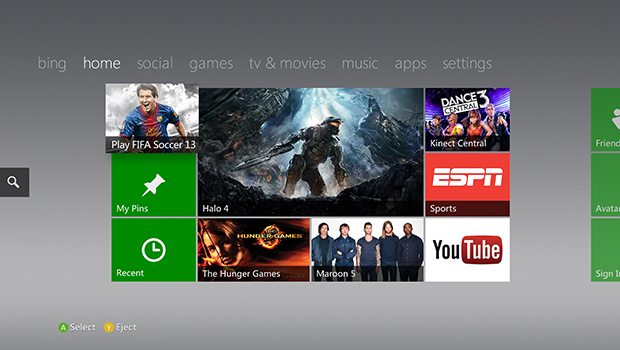

Greedily anticipating getting your hands on the latest Xbox 360 Dashboard coming this November?
Well, the update improves on some existing features like: improvement to voice chat quality, easier accessibility to wireless, and improved UI and much more.
Here’s what to expect from the dashboard update:
Improved voice quality – the audio codec is being updated to improve Xbox LIVE Party chat audio quality. So grab your friends and jump into a multiplayer game, catch a big sports event, watch a movie or do all three.
Improved experience for changing your Gamertag – choosing a new Gamertag? If the Gamertag you’re looking for is already taken, your Avatar will spin a wheel and we will provide five other Gamertag suggestions at a time for you to choose from.
Streamlined in-dashboard virtual keyboard – we’ve taken the existing QWERTY keyboard in-dash and made it easier to use for scenarios that involve repeated text entry, for example when signing up for Live within the dashboard.
Improved Xbox Live Marketplace UI and browse experience – the Games Marketplace has been re-organized to provide streamlined access to the games and content you want, reducing the number of steps it takes to get to a download.
Avatar changes – we’ve made your Avatars slightly more proportional so you can better play Kinect games.
Easier to get on a wireless network – trying to connect to a wireless network? With the next update, you’ll see a list of all the wireless networks within range when you go into network settings. From there, you’ll be able to select a new network or further configure the network you’re connected to.
Ability to sign-out other controllers in the sign-in UI – we’re adding the ability to sign-out profiles on other controllers in the sign-in UI within the Guide. This is especially useful when playing games like Rock Band.
New browse experience for 100 per cent completed games – you spent a lot of time and effort earning those Achievements, so instead of only being able to view your first dozen completed games, we’re giving you a new and better way to browse all of them.
It’s set to launch on November 4.








Published: Oct 11, 2010 07:34 am