




Recommended Videos
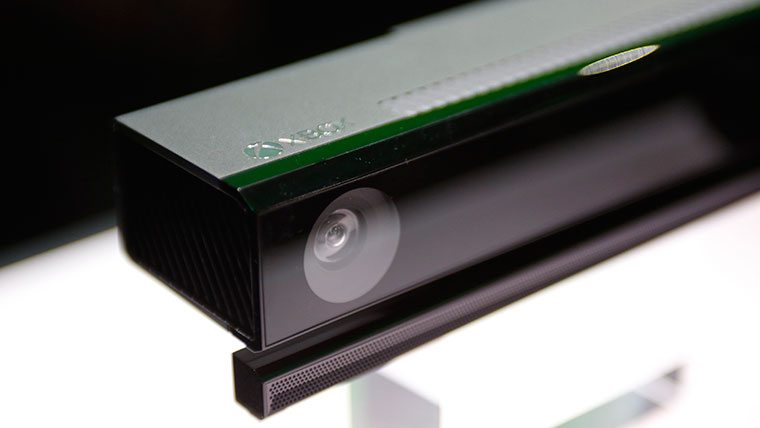
The Kinect is a powerful tool on the Xbox One. The next-gen version of the Kinect sensor has proven to be more powerful than its predecessor on the Xbox 360, but that doesn’t mean everyone is getting the most out of this new device.
There are a multitude of ways to navigate the Xbox One user interface with Kinect, sign-in to your Xbox Live profile, turn on your console, and use voice and gesture commands to navigate the user interface through a variety of applications.
Microsoft’s Albert Penello and Scott Evans of the Xbox team have offered some tips and tricks to setting up and using the Kinect.
Xbox One Kinect Set-Up and Sign-In
Xbox One Kinect Voice Commands
Xbox One Kinect Gestures Controls
Attack of the Fanboy is supported by our audience. When you purchase through links on our site, we may earn a small affiliate commission. Learn more about our Affiliate Policy








Published: May 7, 2014 11:38 am