



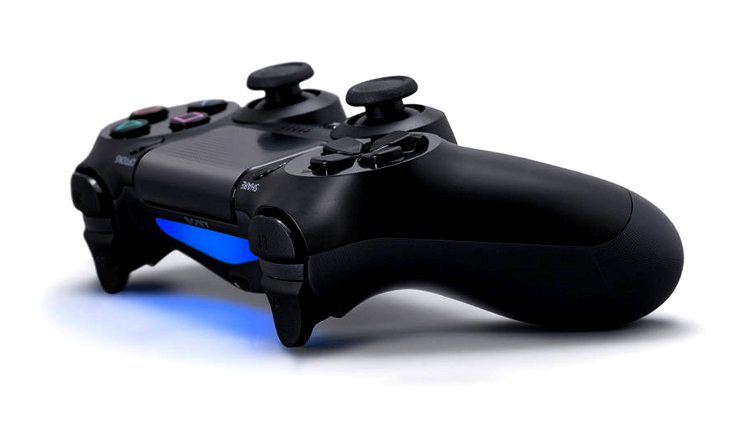

Prior to the PlayStation 4 launch last November, many picked up the Dualshock 4 in advance, as it went on sale in some places prior to the console. As a result, gamers of course messed around with it and found some ways to use it on the PlayStation 3, with very limited success. However, after the latest PlayStation 3 update, gamers are able to use the controller much more on the last generation PS3.
Previously, you could only use it when plugged in through USB, but now thanks to shafiggy16 on Reddit, we have a way to use it wirelessly. The following is the rundown of steps he gave for doing this.
- Under “Accessory Settings”, select “Manage Bluetooth Devices”
- Select “Register New Device” then start scanning
- While the PS3 is scanning, press and hold the share button and PS button on the DS4 at the same time until it starts blinking
- The PS3 should then see the controller from there. The DS4 is going to show up as a “Wireless Controller”
- Once selected, the registration is complete
- Pressing the PS button on the DS4 now will turn the controller on, the LED will light up white while it’s on
The only bad thing is that the system still reads the controller as though it is being used through USB. This means that you cannot use the controller for features like Sixaxis and vibration. However, if you happen to have one and want to use it on your PlayStation 3 for an extra controller, it can be done easily through these steps.








Published: Jul 3, 2014 01:20 pm