



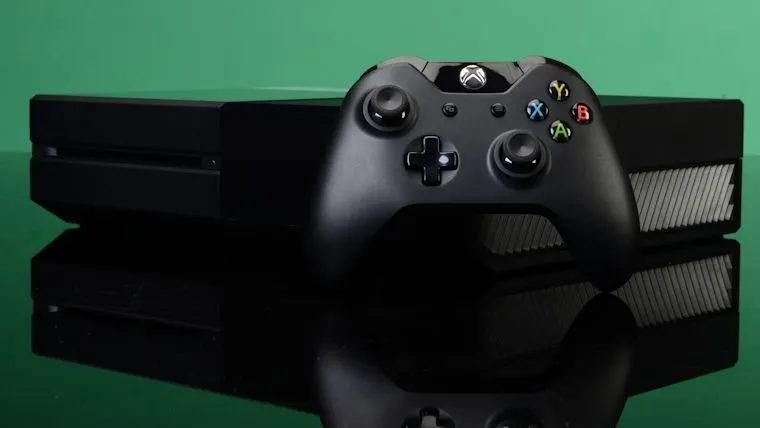

Well that was considerably faster than expected. After teasing that a new Xbox One update would hit some time next week, we already have one available later today that introduces a bunch of new features. The Xbox One update will only be available for those in the Xbox One Preview Program though, so don’t expect it if you aren’t a member.
“In November, we transformed Xbox One to make it the fastest and most social Xbox experience ever,” reads the update from Xbox’s Mike Ybarra. “We continue to evolve the Xbox experience based on your feedback and I’m excited to announce the first of a set of new features releasing in 2016. This month, we’re focused on continuing to improve social features to help you stay connected to the Xbox Live community across console and PC, while bringing these experiences closer together.”
As far as what those features are, Ybarra went into great detail on all of them. We picked some of our favorites and shared them below:
See who’s in a Party: Xbox One Preview participants will be able to see who’s in a Party before joining. When you view the profile of a friend who is in a Party in the guide, you will now be able to see who else they’re playing with. Click the ‘Chat’ button which appears immediately below the user to jump in and see who is in the Party.
Gamerscore Leaderboard: In Xbox One Preview, go to the Achievements section of your profile by clicking ‘View Achievements’ through the sign-in tab of the guide to check out the revived Gamerscore Leaderboard. Through the Gamerscore Leaderboard, see where you stand relative to your friends by comparing total gamerscore, as well as biggest gains over a rolling 30-day period. Click on the Gamerscore Leaderboard to see the full list of all your friends.
Re-arrange Pins on Home and access them offline: Many of you have told us that you want Pins on your Xbox One Home to be easier to organize. In Preview, you will now be able to rearrange individual pins. We also made Pins accessible for launching when you are offline.









Published: Jan 19, 2016 08:38 am