



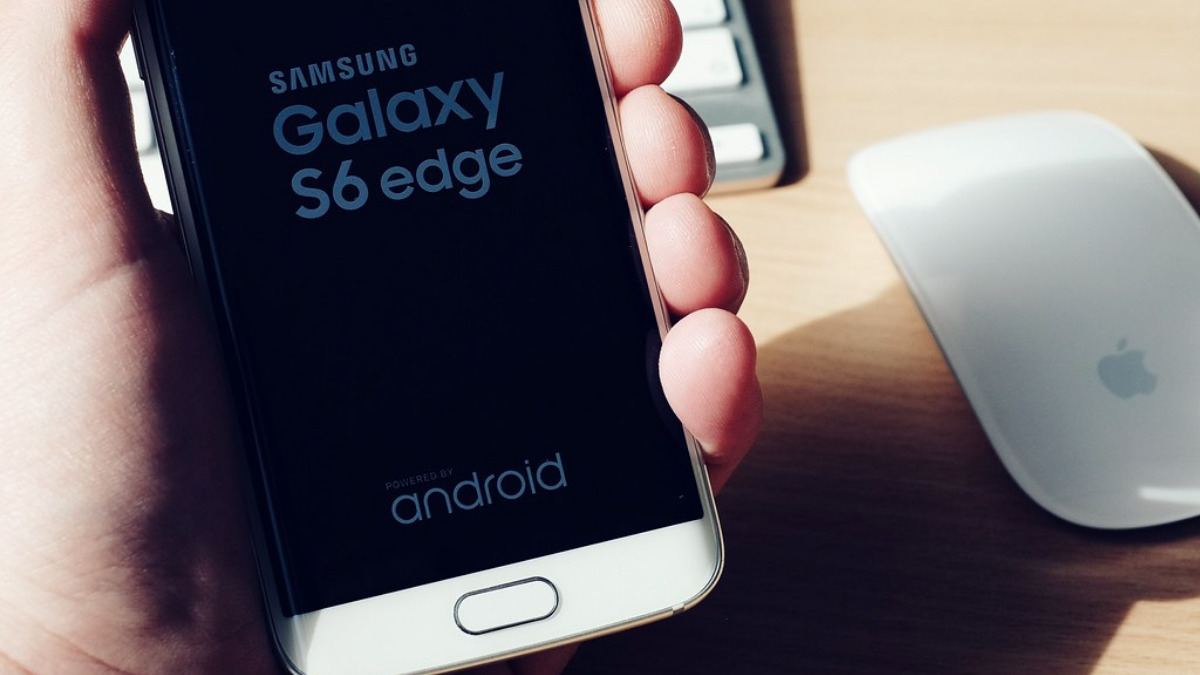

Switching keyboards sounds like a small change, barely worth a second thought. But on a Galaxy phone, the keyboard you pick decides how much memory your system has free at any given moment. I noticed my phone lagging during normal typing sessions long before I figured out why. The best Android keyboards are more than just keys in a new shape.
Changing your keyboard can make your phone feel brand new
Samsung is stuffing too many extra features into a basic tool
For a lot of Galaxy users, the default Samsung Keyboard has quietly turned from a simple typing tool into a bloated, do-everything platform that’s actually dragging down your phone’s performance. It has GIFs, stickers, and plenty of other features that aren’t always needed but are there by default.
Samsung’s default keyboard is another victim of feature creep and the company’s decisions, and it’s gotten out of hand. Over the years, Samsung has crammed in the Galaxy AI suite, live translation, on-device grammar checking, and all the animated chats.
I have to deal with Bitmoji, AR Emoji, and GIF libraries despite never using them. The keyboard should be holding off on loading any of this until it’s actually needed. Samsung’s keyboard dumps all those big asset files straight into memory the moment it starts up.
On top of that, the translation and grammar-checking processes run right alongside your actual typing instead of waiting for a quiet moment to do their thing. So instead of handling that work in the background when you’re not actively typing, the keyboard tries to do it all in real time, which spikes your CPU, especially when typing quickly.
I have the worst time typing on the Samsung Keyboard, and it can’t be me because plenty of alternatives work fine. It misses letters far too often because it starts to freeze if I type too fast.
Samsung’s keyboard averages around 600 MB just sitting there. That much memory use forces Android to run its memory cleanup way more often. So you’re getting more lag from a basic part of your phone that should already be fast. Gboard, by comparison, tends to sit at a pretty light 30 to 250 MB of RAM.
Gboard is built to stay fast when you type
Google connects the keyboard straight into the core android system
Gboard will make things immediately faster, and that may be because of how it’s built. Instead of running as some bulky standalone app dragging around a bunch of redundant background services, Gboard ties directly into Android’s core system components. On newer versions of Android, it’s actually baked right into the system partition image.
So it skips the usual back-and-forth overhead you get from standard inter-process communication and talks straight to Android’s isolated Private Compute Core. That means autocorrect, grammar checks, and predictive text all happen right on your device instead of needing a round trip to the cloud, which cuts out that annoying lag.
Gboard’s swipe-typing also runs a lot smoother than you’d think. Google’s keyboard tracks the path of your sliding finger using a smart memory system that remembers the whole shape of your swipe, matching that messy line to the word you meant to type.
If you’re a fast typist like I am, you won’t see the same freezes and lag that the Samsung keyboard gives. I haven’t had any issues with it freezing, but it does tend to have trouble keeping up if I go too long without stopping. Still, that’s not an issue I felt bad about since it rarely happened.
Giving up samsung features is part of the deal
This is a better keyboard, with some tradeoffs
This makes things faster, but it isn’t perfect. You cut yourself off from a lot of the features that make the Galaxy so good. If you use the S-Pen a lot, then this will likely be something you want to avoid. On phones like the S24 Ultra or the Tab S series, Samsung’s keyboard is built to notice the second you pull the stylus out, and it turns the input area into its own little drawing canvas without messing up the app’s layout underneath.
You can do things like draw a line through a word to delete it, or lasso your handwriting to resize and move it around. Gboard just uses Android 14’s built-in handwriting support, which means you’re writing straight into the app’s text box instead. That isn’t as fun to use and has its own issues.
There’s also no real way to edit what you wrote with the pen; you have to switch back to touch just to fix a typo. On top of that, even getting Gboard to recognize the S-Pen on a Galaxy phone usually means digging into Developer Options and flipping on some hidden stylus settings, which isn’t exactly smooth.
Moving to Gboard also breaks you away from Samsung Pass and the Knox security stuff. Normally, Samsung Pass sits right in the keyboard toolbar, so you can just use your fingerprint to autofill passwords, cards, or addresses. Gboard can’t touch that Knox-encrypted vault at all, so you’re stuck either moving everything over to Google’s autofill or manually switching keyboards every time you need to log into something.
Also, Multi Control and Samsung’s clipboard sharing are built to move stuff between your phone, tablet, and Galaxy Book easily. So you copy something on your phone, and it just shows up in the clipboard on your tablet. Gboard keeps its own separate clipboard history, so it has no way of reading that Knox-secured sync data.
This is a better keyboard, with some tradeoffs
Gboard isn’t a perfect upgrade with no cost attached, and pretending otherwise would be dishonest. You lose S-Pen drawing tricks, Samsung Pass autofill, and the clipboard sync that ties your phone to your tablet and Galaxy Book. If those features are part of why you bought into the Galaxy setup, switching keyboards will feel like cutting off a limb. But if you just want a phone that types as fast as you do without freezing mid-sentence, Gboard can do that.







Published: Jun 29, 2026 10:15 am