



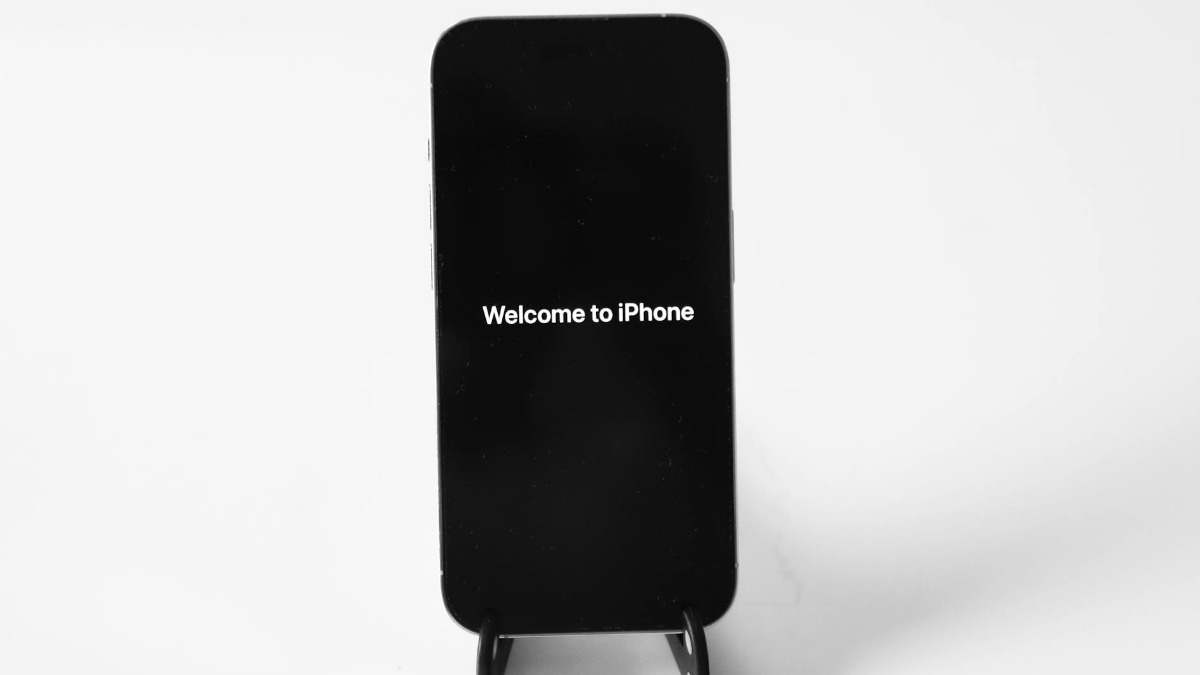

Apple officially launched iOS 26.5 on May 12, 2026, and the reception has been split. As detailed by LADbible, a significant portion of iPhone owners are choosing to hold off on installing the update, primarily over concerns about battery drain tied to its new Liquid Glass interface.
The update itself is relatively modest in scope. It brings suggested places in Apple Maps, 11 additional Pride wallpaper backgrounds, and encrypted RCS messaging. It also rolls out the Liquid Glass user interface, which has been linked to accelerated battery drain on older iPhones, with the visual rendering demands proving particularly taxing on aging hardware.
For users who want to stay on iOS 18 and avoid those headaches, the delay is straightforward. Open the Settings app, tap General, select Software Update, then tap Automatic Updates and switch off both the “Automatically Install iOS Updates” and “Automatically Download iOS Updates” toggles. Doing so ensures the device won’t pull the new software without permission.
Skipping the update doesn’t have to mean skipping security
There is a sensible middle ground available for users who are still concerned about vulnerabilities. Leaving the Security Responses and System Files toggle enabled allows the iPhone to continue receiving critical system file updates without triggering a full iOS upgrade. It is an effective way to stay protected while keeping the current software environment intact.
Battery drain after a major update is a well-documented issue. The main culprit is a background process called indexing, in which the phone re-organizes existing files to ensure compatibility with the new software. This background work places significant demand on the battery and can persist for some time after installation. Amid broader concerns about AI’s toll on device hardware, including RAM shortages hitting consumer electronics, older iPhones face particular pressure when asked to render resource-intensive interfaces like Liquid Glass.
For users who want an additional layer of protection against an accidental upgrade, there is a secondary method via the Beta Updates menu. Inside Software Update, tap Beta Updates and select “Start your enrollment.” After signing into an Apple Account and agreeing to the terms of use, three options appear: Off, iOS 26 Developer Beta, and iOS 18 Developer Beta. Selecting iOS 18 Developer Beta will prompt the device to replace the iOS 26 download, effectively locking the phone on the older version.
Users can verify the setting took effect by returning to the Software Update screen. If the iOS 26 update has been replaced by an iOS 18 prompt, or if no update appears at all, the rollback has worked. Manual update checks remain available at any time through Settings, then General, then Software Update. Apple also provides official guidance for users who prefer to update via a Mac or Windows computer using Finder or iTunes. Separately, OpenAI has been contending with its own software scrutiny, including a federal lawsuit over ChatGPT’s role in the 2025 Florida State University shooting, underscoring the growing legal and ethical pressure facing tech platforms.
Regardless of method, backing up the device before making any major changes to software settings is advisable. A backup can be set up to run automatically or performed manually at any time through the iPhone’s settings.








Published: May 11, 2026 07:15 pm