



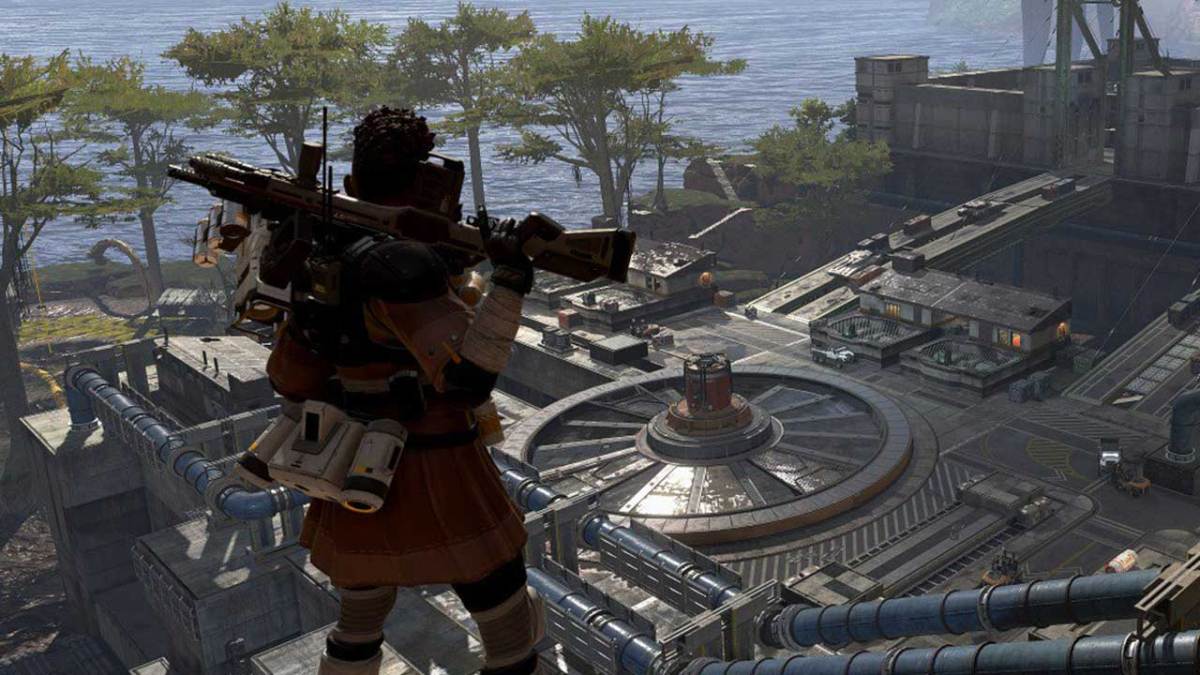

In Apex Legends being able to run a little bit faster is something that you’ll want to do if you want to cover more ground in lesser time. When running across the map you’ll want to holster your weapons which will allow you to run faster in the game.
To run faster in Apex Legends the button you press is going to depend on the platform you’re playing on. To run faster in Apex Legends on the PlayStation 4 you’re going to want to press and hold the Triangle Button. Doing this you will see your character put away the gun they have equipped. You can then use the left thumbstick to run and without the weapon in hand you’ll be moving more quickly.
If you’re playing Apex Legends on Xbox One or PC the controls are a little bit different. You can run faster on Xbox One by pressing and holding the Y button. You’ll see your character put their weapon away and then you can run with the left thumbstick. The default PC control to holster your weapon is the 3 key.
Holstering your weapon in Apex Legends is the best way to run faster in the game.





Published: Feb 5, 2019 04:35 pm