



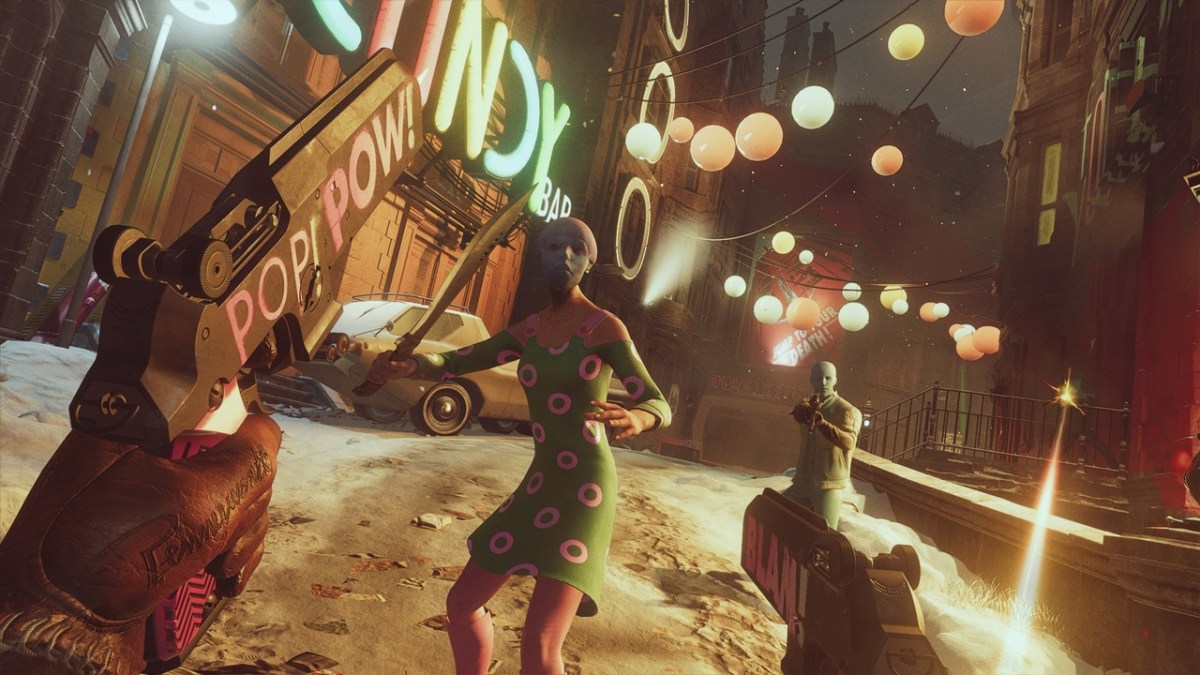

Deathloop is a great-looking game, but you can tweak the presentation to your liking by choosing one of three visual modes. Deathloop allows you to swap between a Performance mode, a Visual Quality mode, and a Raytracing mode whenever you want. Each mode has its own benefits and drawbacks, and you aren’t locked in to any of them when you make a decision. So, which visual mode is the best in Deathloop? Should you choose Performance, Visual Quality, or Raytracing for your Deathloop playthrough?
Performance, Visual Quality, and Raytracing Explained for Deathloop
Each mode is fairly self-explanatory, but there are a few key things to note when making your decision. If you want 60 FPS, then you need to choose either Performance or Visual Quality. Both of them offer dynamic 4K resolution scaling targeting 60 FPS, but Performance mode will sacrifice graphical fidelity to achieve a rock-solid 60 FPS while Visual Fidelity mode will prioritize the best graphics as the cost of framerate.
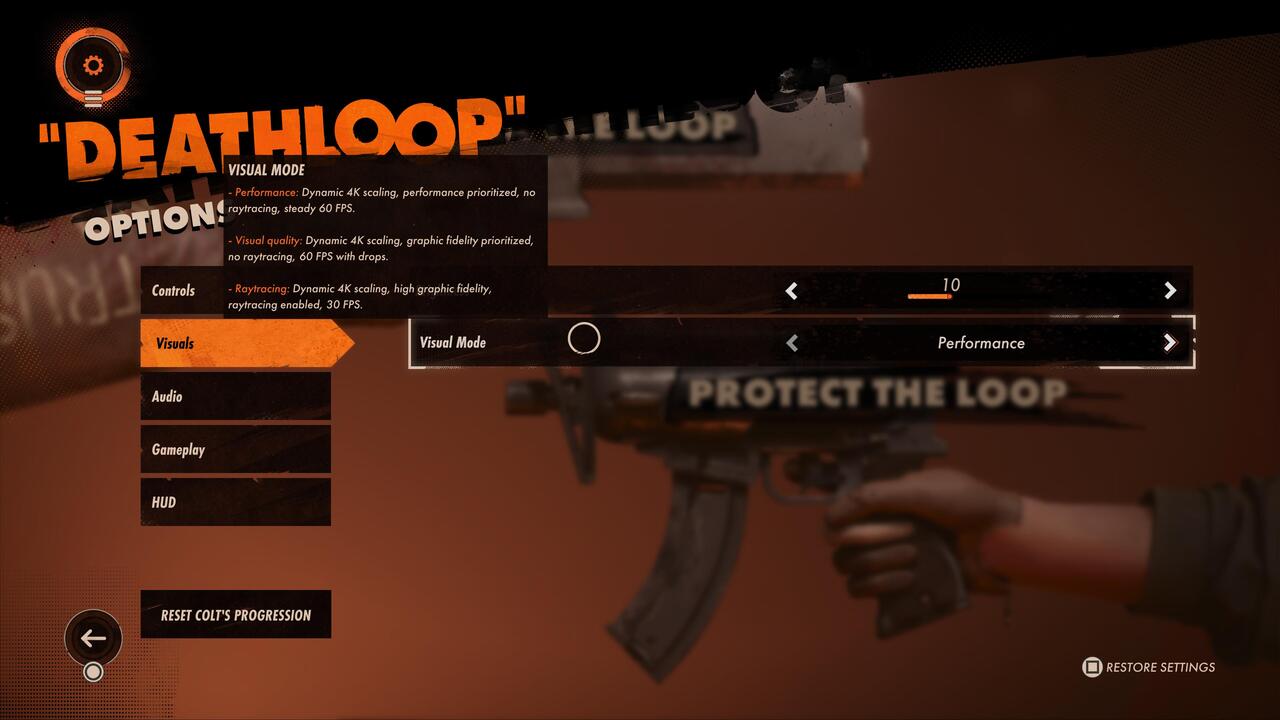
Deathloop defaults to Visual Quality mode, but this mode has frequent noticeable frame drops. We recommend you change it to Performance, which lets the game run at a solid and steady 60 FPS. Most people won’t even be able to notice the changes to resolution and graphical fidelity in this mode anyway. If you’re playing on a TV that doesn’t feature 4K resolution, then that’s another reason to choose Performance mode as well.
However, many people want to put their new PlayStation 5 systems to the test, and that’s where the Raytracing visual mode comes into play. This mode cuts the framerate in half, running at 30 FPS, but it enables raytracing. Deathloop looks fantastic with this setting enabled, but it’s really hard to get used to 30 FPS after playing the game at 60 FPS.
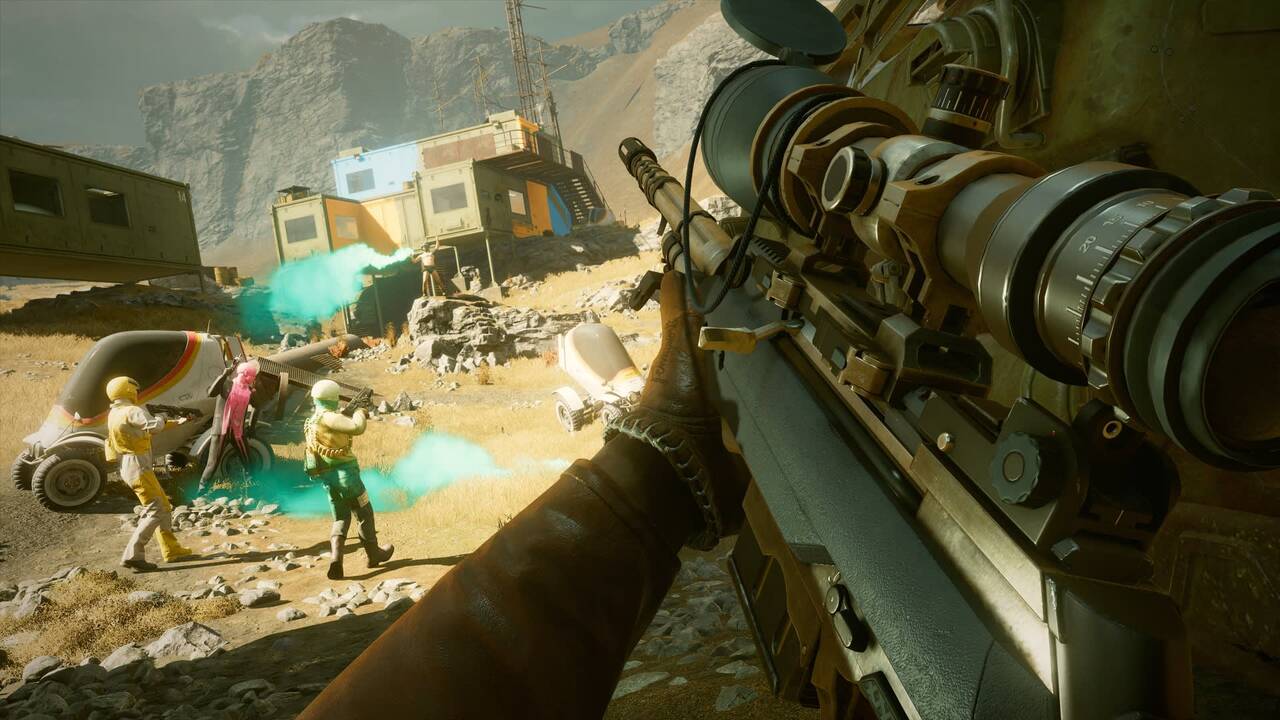
When you switch to the Raytracing mode, you will have to restart your game entirely for the changes to apply. If you really want to play Deathloop with the Raytracing mode enabled, then make sure you turn it on before starting the game. That way, you won’t get used to the smooth 60 FPS and the 30 FPS cap won’t seem so jarring. Deathloop is gorgeous with Raytracing mode turned on, especially at nighttime in some areas. All three visual modes in Deathloop look great though, so it’s really just a matter of personal preference.
Deathloop is available now on PC and PlayStation 5.



Published: Sep 14, 2021 09:48 am