



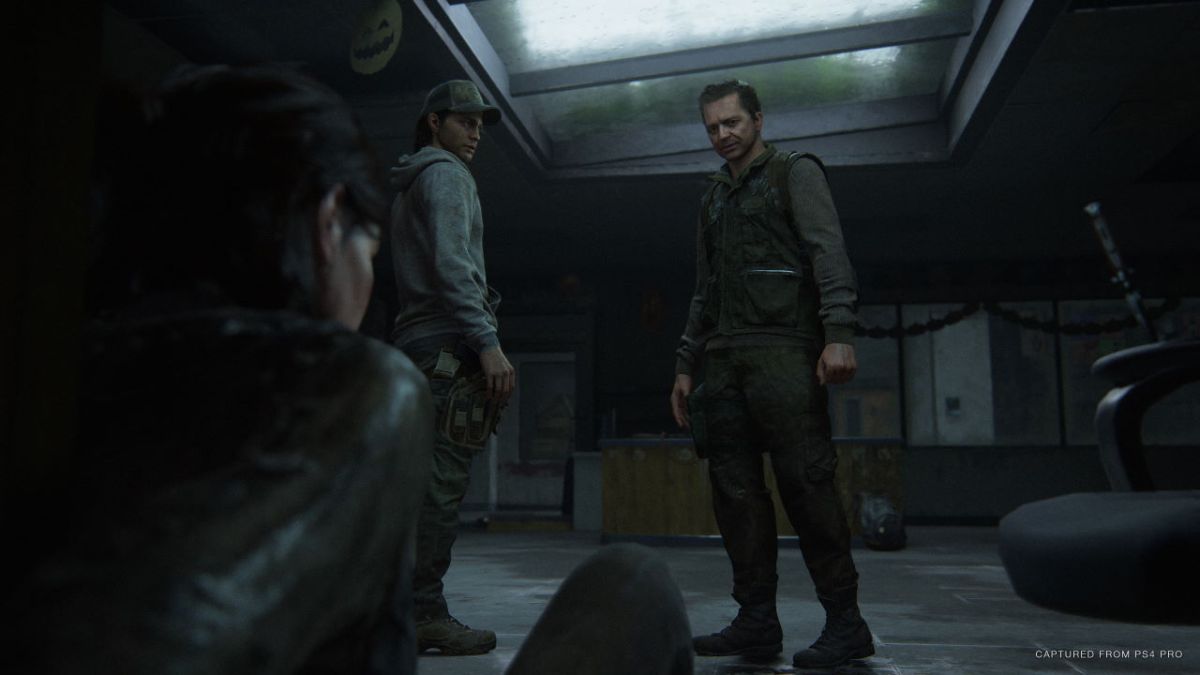

The Last of Us Part 2 may feature some truly important items and mechanics, but nothing is as important as your save file. Keeping your progress, and setting up back up save files in case of emergencies is always key, but with a game that can last two dozen hours and features tons of impactful moments it’s even more significant. Losing your save, or being locked out of content can be a nightmare, so let’s break it all down here and explain how to save in The Last of Us Part 2.
How to Save
First off, as has become standard in modern games, The Last of Us Part 2 features a full auto-save feature. Your progress will be saved at pretty steady checkpoints, either when entering a new area or reaching a safe spot even within combat scenarios. You can rely on this pretty heavily, and there’s always ways of resetting to a prior state, at least in the specific encounter. To use this just hit Options and choose whichever works best, either resetting to the last checkpoint or going back to the beginning of the specific level.
Also on the Options menu is where you can save or load your game. You can have 20 manually saved files on top of the auto-save. To create one just hit Save and either overwrite one you’ve already created or choose to make a new one at the top of the menu. Once you make a new manual save it’ll be there whenever you might need it, so use it as often as you need to. I like to have a few save files just in case something goes wrong with the auto-save file, or I decide to go back and redo a larger chunk of the game.
And that’s how to save in The Last of Us Part 2.






Published: Jun 18, 2020 06:59 am