



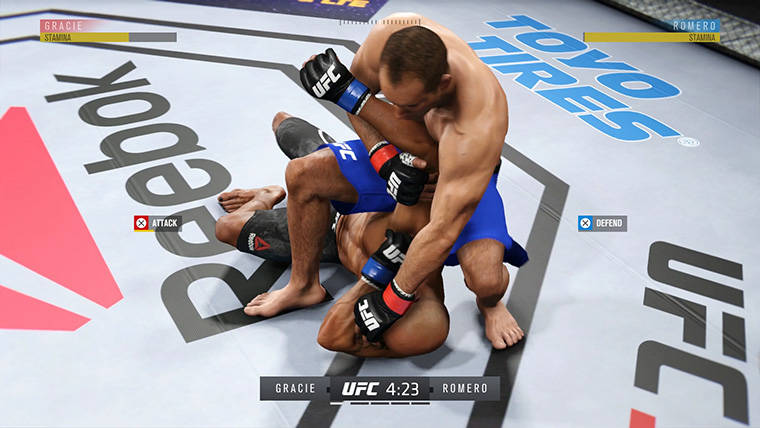

In EA Sports UFC 3 performing or getting out of submissions is one of the toughest parts of the game. Fortunately, EA has included a simple submission feature in the game to help you get out of or perform submissions very easily.
Simple submissions can be performed by simply tapping the X/A button on your controller during the submission process whether on Offense or Defense. Tapping the button will allow the AI to play the submission game for you.
The faster that you tap the button, the better the AI will perform your submission attack or defense. However, you can’t use Simple Submissions in online modes. But it does work in offline modes against the AI, as well as Career Mode.
To make sure that you can use Simple Submissions, you’ll need to enable them prior to an offline match after your fighters have been selected. Checking Simple Submissions “On” will allow you to bypass the Submission mini-game and button mash instead.








Published: Jan 25, 2018 06:01 am