



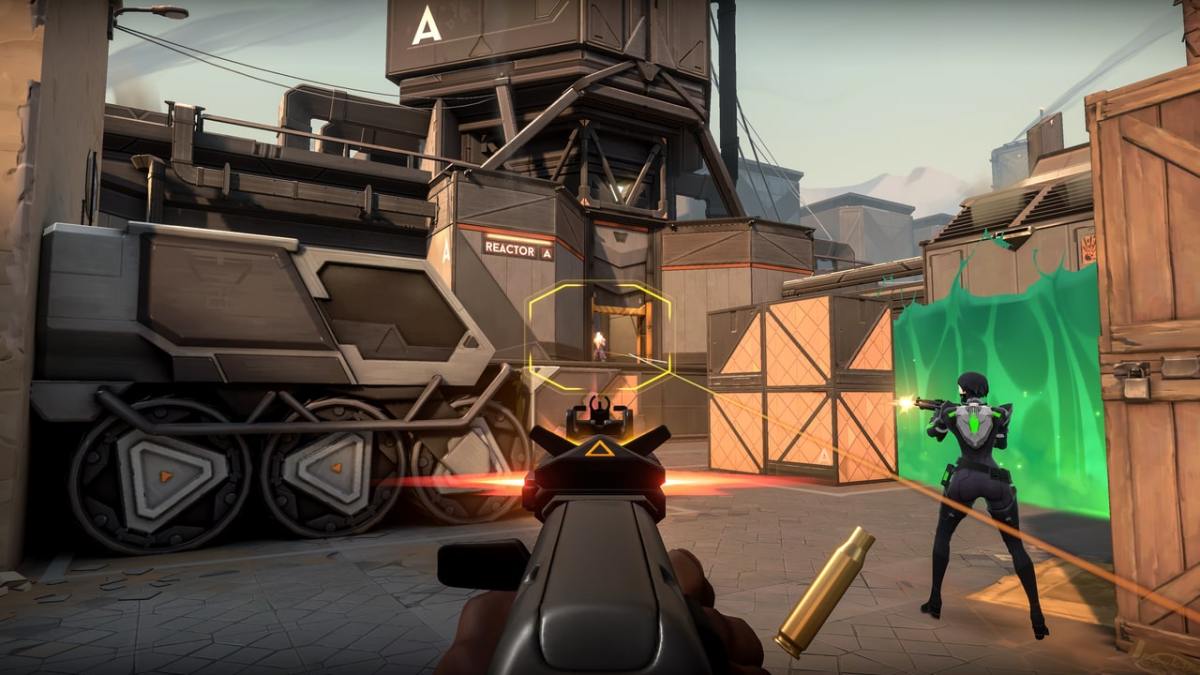

Valorant is getting a vast number of players entering its servers every day and with that kind of attention, whenever any server malfunctions occur or errors appear, there certainly can be a bit of commotion that occurs. Today players have been having issues with one of these errors and that error is the ‘Queue is Diabled’ issue. This guide article will take you through everything you need to know about how to fix the Queue is Disabled error in Valorant.
Fixing the Queue is Disabled Error in Valorant
The first thing to take into consideration about this particular error is that it may be a server-side issue. This ultimately means that it is not caused by anything on your side. It may actually be a malfunction in with the official Valorant server hostings. In turn, you would have to wait until developers fix the issue of the servers first in order for this error to go away. The best way to check if it is a server-side issue is to perform a quick google search asking if the servers for Valorant are down and you will find a lot of people talking about it if they are.
However, if it is an actual issue on your side for the game, there is a surefire way that generally will fix the error for you. This can be solved usually by fully restarting the Riot client. After rebooting it and launching Valorant again, you should hopefully find that the error won’t be there anymore for you. Another way to fix the issue is by resetting your internet as with a lot of errors for games. Also, ensure that your game is updated to the latest version. You will be back to playing Valorant in no time!
Valorant can be played at this very moment on PC.





Published: Aug 10, 2022 01:47 pm