



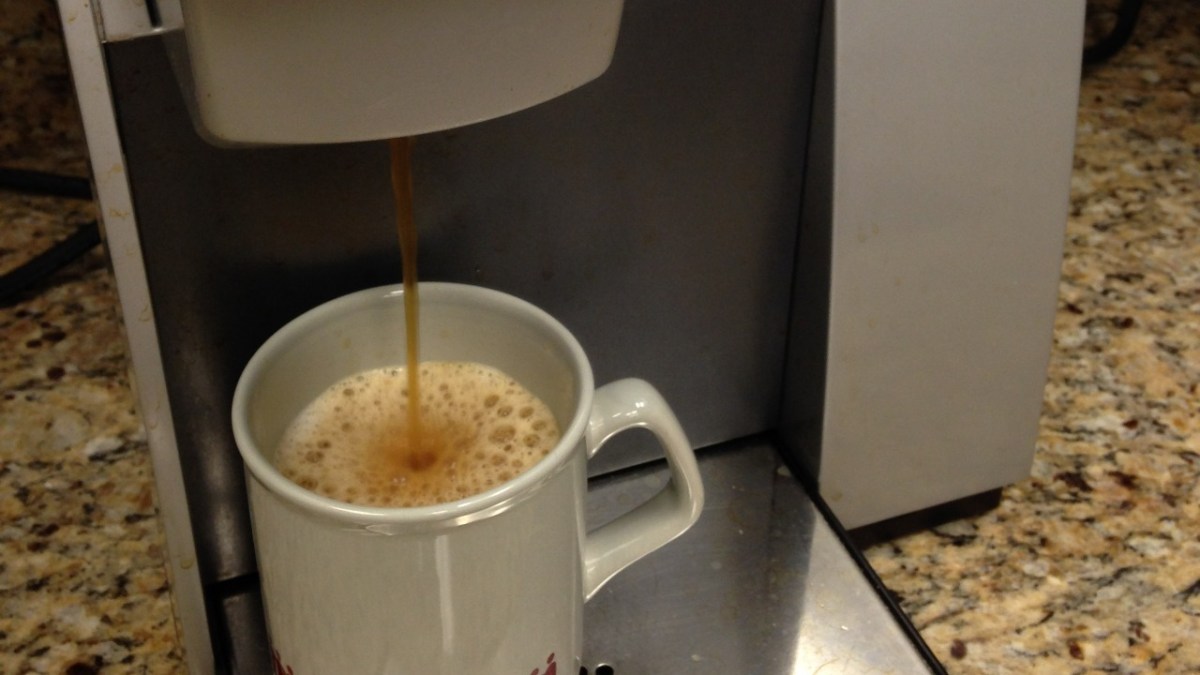

An IT worker said he was looking through his parents’ home network data when a Keurig coffee maker stood out. Anthony, who posts on X as Nomad (@NomadsGalaxy), shared a screenshot from what appeared to be a UniFi network view and wrote that he was unplugging the machine.
In the post, which had reached about 2.5 million views, he addressed Keurig directly. He wrote, “Hey uh, @Keurig – what the hell is a COFFEE MACHINE uploading, let me double check…” He then wrote, “ONE F–KING TERABYTE OF DATA IN 10 DAYS!?!?”
The screenshot he attached labeled the device “Keurig-20CE2A28C5CE” and showed it as “Disconnected from Appliance.” The image listed 9.94 GB down and 1008.45 GB up, with a last-seen time of Oct. 5 at 9:32 PM and a span of 10 days and 9 hours. He wrote, “Immediately unplugging that. Getting my parents a new coffee machine.”
He later said most of the upload stayed inside the network
Anthony said the post “blew up” and introduced himself as someone who has worked in IT for more than 10 years and recently moved to a job at Prusa. He said he looked further into the traffic and found that the unit did broadcast 1TB of data, but that most of that traffic did not leave his network. He described it as likely a bug with this unit and said it saturated his access point.
He said he was tempted to scan the machine’s packets with Wireshark and other tools, but that he would rather keep it offline. He wrote that it was “not worth keeping an IOT device connected that has the capability of bugging out and causing saturation like this did.” He added that the coffee maker was on an IoT network.
He said the machine belongs to his parents and that he does not police what they buy. He said he helps with their network and that UniFi is useful for detailed information when he is away. He called the episode a learning experience for them.
He later identified the model as the Keurig K-Supreme SMART single-serve coffee maker and linked to Keurig’s product page. He wrote, “it’s dumb, avoid it, it’s just DRM waiting to be enabled so you are forced to use official Keurig pods or something.”
According to Meraki, such coffee machines can store a Wi-Fi password, link to an app account, and keep usage history. It listed leaked Wi-Fi credentials, reused app passwords, and a poorly segmented network as practical risks, and it recommended a unique app password, a second factor if offered, guest or IoT network placement, firmware updates, and unlinking unused devices.
In replies to Anthony’s post, several people questioned why a coffee maker needs a network connection at all. One person wrote, “These companies are complicating simple things with wi-fi that we do not need or want. Get rid of that junk!” Another wrote, “This is obscene. The idea of web-enabling everything is just dumb. Seriously, my toilet lever does NOT need wifi!”
One commenter asked what a connected machine is supposed to do beyond basic brewing. They wrote, “What the f–k is a “Smart” coffee machine even needed for? Count your cups? Count your caffeine intake? Count your calory intake? Use AI to tell you that your water tank needs to be filled up?” Others pointed to non-connected options. One wrote, “Two words: French Press.”
Some replies focused on how the machine was placed on the network. One person wrote, “Put all IoT devices on a guest network or isolated network. Too many devices are unsecure and any compromise can spread to your home network devices (phones, pc, laptop, etc) if they are on the same network together.”
Another asked whether the unit could be moved to an isolated VLAN and suggested the traffic might be worth a packet capture, writing that there was a chance the Keurig was “acting as a residential proxy.”
Someone else wrote, “Must be the Java Beans phoning home in verbose mode! Hope them coffee protocol is UDP or else RIP your NAT state table!” The joke points to a real worry about what smart devices do in the background, as Texas sues major TV makers over what they’re secretly doing inside your home.








Published: Oct 8, 2026 02:00 pm