



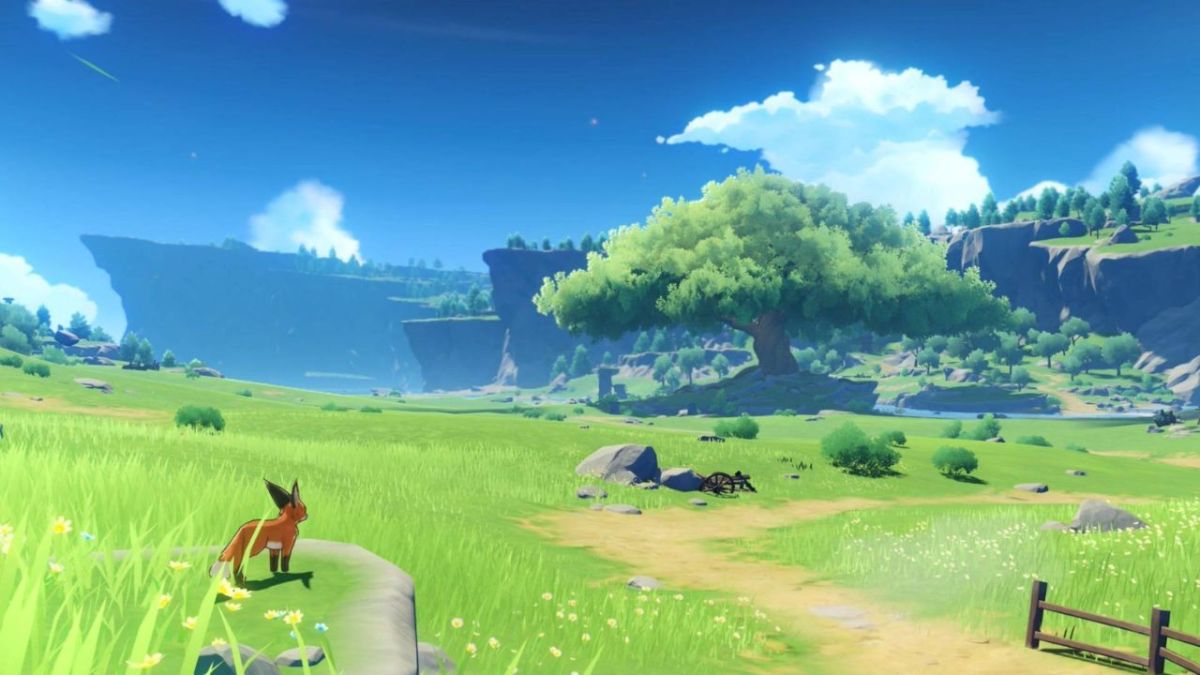

There’s no denying that Genshin Impact is one of the most popular free-to-play games currently available, but that doesn’t mean everyone is bound to love it. There could be several reasons as to why you’re looking to uninstall Genshin Impact, whether you’re swapping platforms, need to free up some space, or you’ve had enough of what Monstadt has to offer. The process to uninstall the game is as easy as it is to download, and no matter which platform you’re playing on, you’ll be able to uninstall it in minutes. So read on to find out how you can uninstall Genshin Impact.
How to Uninstall Genshin Impact on PC
The easiest way to uninstall the game on a PC is through the Control Panel. From here, search for Programs, then Programs and Features. From this list, Genshin Impact should be pretty easy to locate. Once you’ve found the program, right-click and select uninstall. However, if you installed the game through Epic Games, you can use their launcher to uninstall the program. To complete the uninstallation, open the Epic Games Launcher and select Library from the left-hand panel. Next, from your games list, locate the title, and click on the three dots below the game’s icon. From here, you can select the uninstall button.
How to Uninstall Genshin Impact on Playstation
Uninstalling Genshin Impact on Playstation is as simple as going into your games library, finding Genshin Impact, and press Options. From here, you’ll be able to find the Uninstall button. It’s important to note that uninstalling the game on both Playstation and PC isn’t the same as restarting. If you decide to uninstall the title, you will not delete your saved data. However, if you re-install the game in the future and sign back into the same account, you’ll pick up from exactly where you left off, and maybe Sumeru will promise some more excitement.
Genshin Impact is available on PC, Playstation 4, and Playstation 5.



Published: Oct 5, 2022 10:44 am