



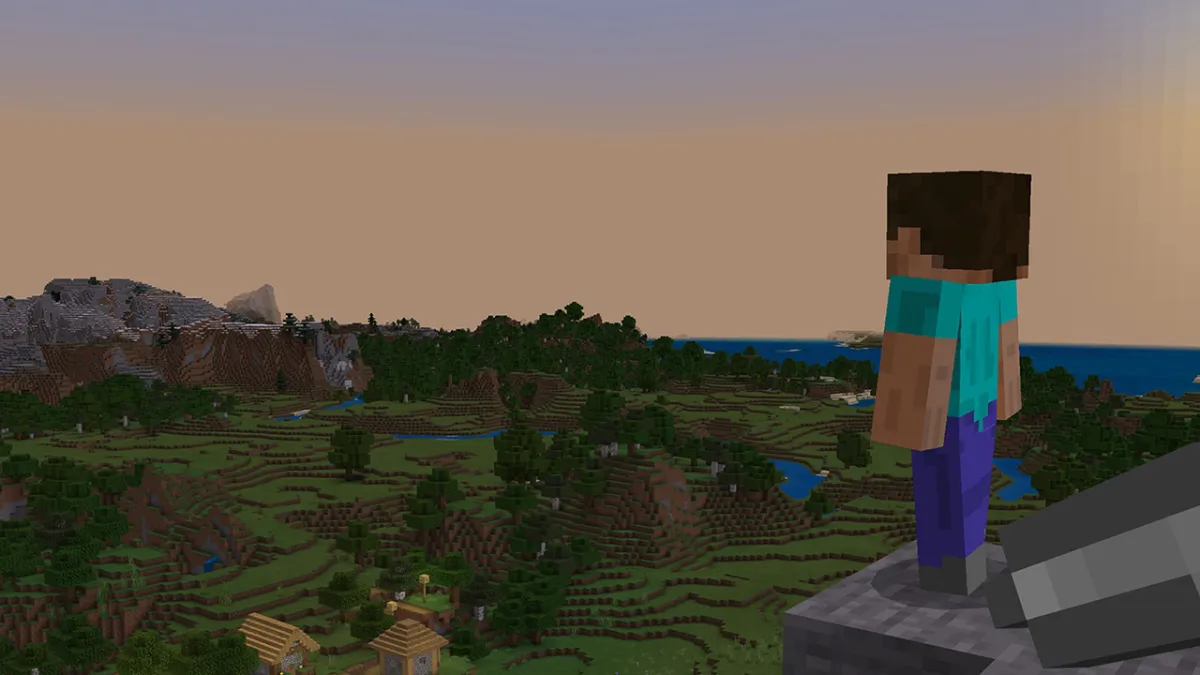

Like in the game’s standard version, those playing Minecraft PE, now known only as Minecraft on all mobile devices, can build tools, hunt, raise and ride animals, create villages, and fully explore the world to their heart’s desire. But how can you split items in Minecraft PE? Now, in order to help you build your dream kingdom and become a force to be reckoned with in the game, here’s how to split items when playing Minecraft on mobile devices.
How do you Split Items in Minecraft PE?
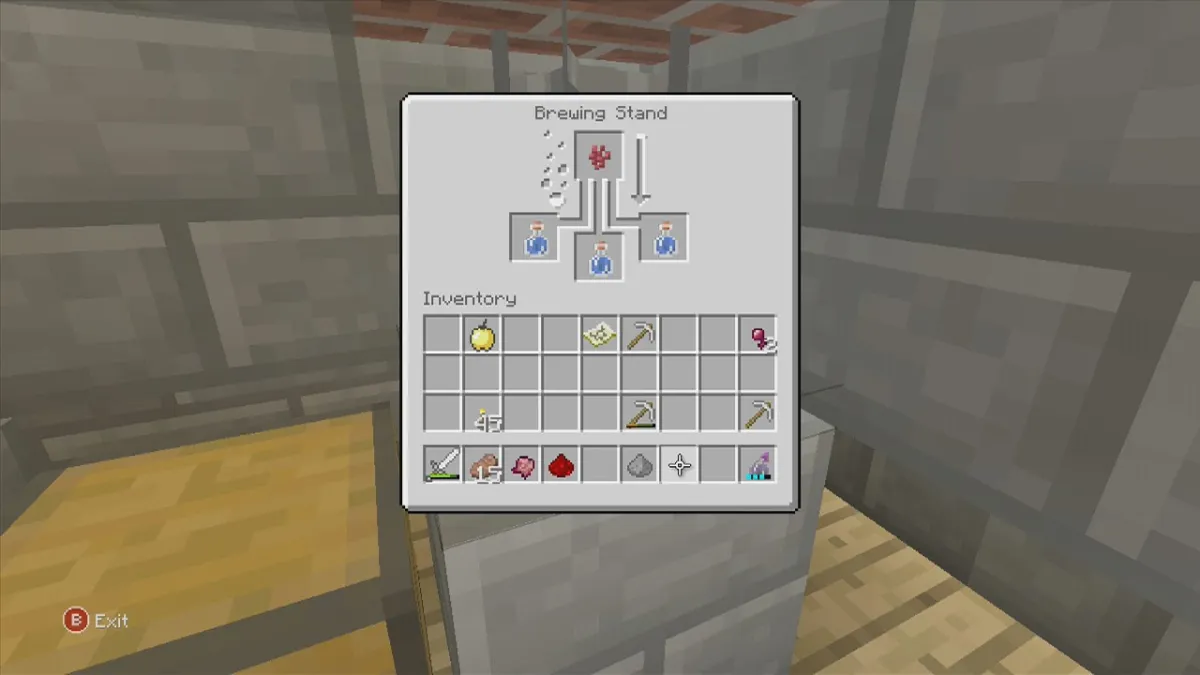
You can split items in Minecraft PE by simply placing your finger over your desired item for a set amount of time and then letting go. While you press the item, a green bar will then appear over it, indicating int how many units your items will be divided into. With that said, unfortunately, you currently cannot evenly split your selection in one click, as only the time you spend holding the item will determine the number of parts into which they will be split into.
To recap, here’s how you can split items on Minecraft PE:
- Open your inventory or one of your chests.
- Select your desired item (It’s obvious, but you will only be able to evenly split even numbers of items).
- Hold your finger over the item until a green bar appears over it.
- Keep your finger on the item in order to increase the number of parts your selection will be split into.
- Let go in order to split your selection into as many items as you wish.
If you wish to make the endeavor of splitting items in Minecraft PE even easier, we highly recommend that you play with a controller, as the game supports all kinds of.
Minecraft PE is currently available for both iOS and Android devices.


Published: Dec 19, 2022 07:19 am