



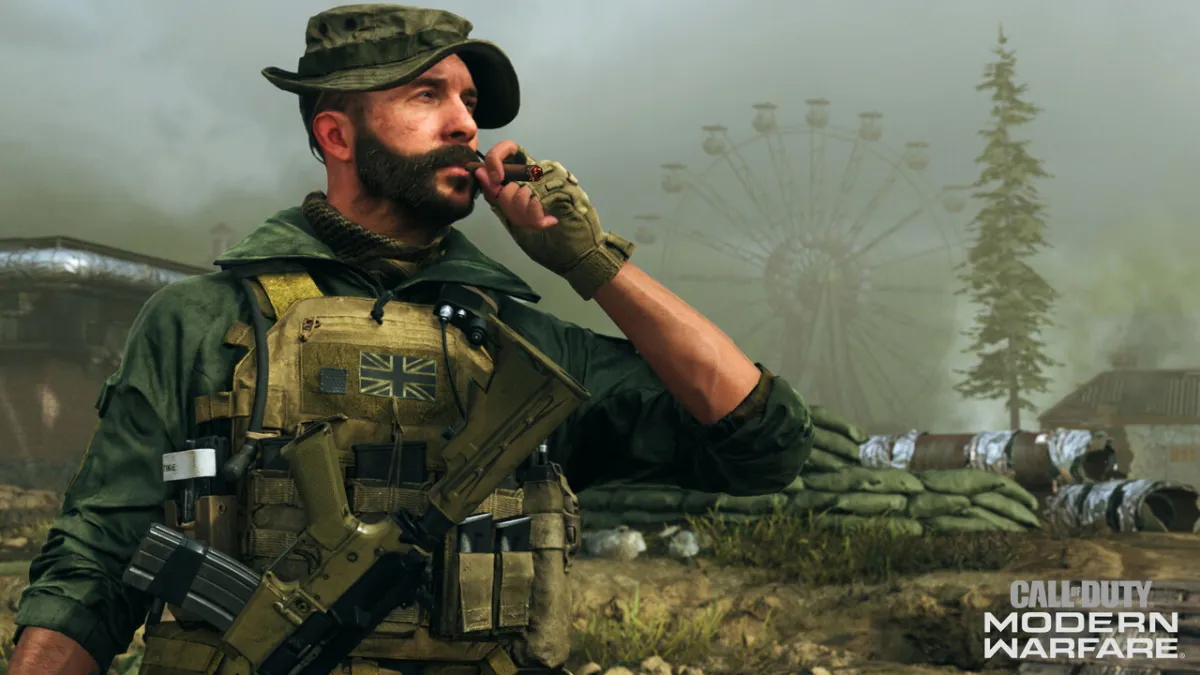

The Call of Duty: Modern Warfare servers are experiencing issues, preventing players from accessing multiplayer or Warzone. Several players have been encountering Error 8192 when trying to log in to Modern Warfare or Warzone, and this error tends to show up any time there is a problem with the game’s servers. Season 5 is well underway, so many players are attempting to log into the game and try out the new maps, weapons, and operators. Activision usually solves the problem fairly quickly, but here are some things you can try in the meantime to fix Error 8192 in Call of Duty: Modern Warfare.
What is Error 8192?
Error 8192 is a server issue that prevents you from fetching your online profile. Because the game cannot access your profile, you can’t log in and play Modern Warfare or Warzone. This is a server-side issue, so there isn’t much you can do to fix it other than waiting it out and keeping up with Activision Support for updates. This issue usually doesn’t affect everyone, so you may see other people online while you’re locked out of the game.
We're actively investigating an issue where some players are unable to login to #ModernWarfare and #Warzone. Stay tuned for updates.
— Activision Support (@ATVIAssist) August 18, 2020
How to Fix Error 8192
The only way to fix Error 8192 in Call of Duty: Modern Warfare is to wait for Infinity Ward to issue a fix. It’s a problem with the game’s backend, so there isn’t anything you can do on your side to fix it. Infinity Ward typically addresses any login issues fairly quickly, but it can take a while for them to actually implement a solution because of the nature of these issues. In the past, server errors like this have taken an hour or two to resolve, so you shouldn’t have to wait too long to get back into the game.



Published: Aug 18, 2020 11:58 am