



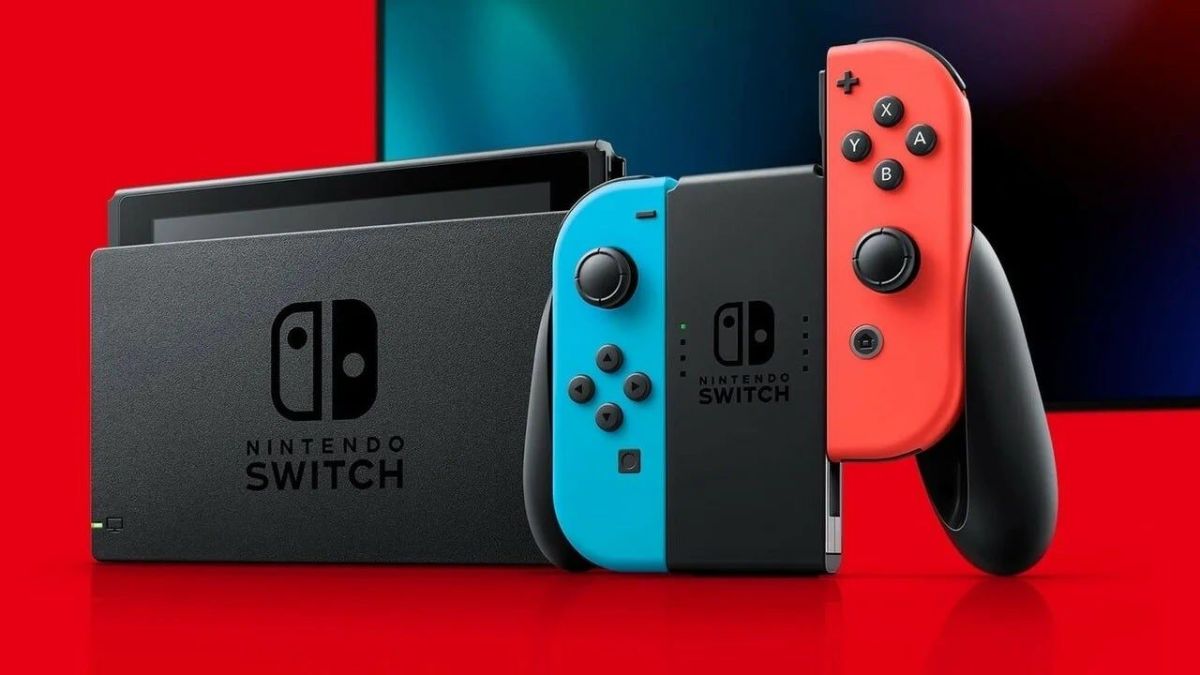

When it comes to long play sessions, unless everything you use is wired, we’re going to have some downtime or plug-and-play time to prevent dead batteries. In the case of the Switch, many prefer to play it portably in handheld mode, using up the console’s battery. So in that case, what is the full charge time for the Nintendo Switch? Here, we’ll go over the times you’ll be looking at when wanting to bring the battery to 100.
Nintendo Switch Full Charge Time
If you play your console in handheld mode entirely and it reaches a percentage below 10%, you’re looking at a charge time of about three hours. It does not matter if it’s an OLED model, a revised system, or the Lite. They will all mostly charge at the same speed, given that you are using an official adapter.
Of course, for your console to charge quicker, you’re going to want to put it into sleep mode or turn it completely off. When powered on, you will still gain charge, even during gaming. It just will not charge as fast because you’re still using power. To play the system.
If you want to charge your console faster, you’ll also want to disconnect any peripherals you have attached to it like audio devices and controllers, namely the Joy-Cons. In the case of the Lite, that isn’t possible, but it’ll still help to leave the console to let it charge more quickly.
It’s also advised to only charge the console with a USB-C charger that contains wattage similar to that of the official charger. If you’re looking to get additional chargers for portable uses, look for those that have an input voltage of 100 to 240, 1 Amp, 50 to 60 hertz, and an output of 29 Watts.
You can use most other chargers like a phone charger, but if the input and output voltage values are not the same as the Nintendo Switch, it may not charge as fast. In extremely rare cases, it can damage your system, so keep that in mind.
While you’re at it, you may want to check out additional peripherals you can use for the system like controllers to further enhance your experience playing Nintendo’s hybrid console.




Published: Aug 8, 2022 03:25 pm