



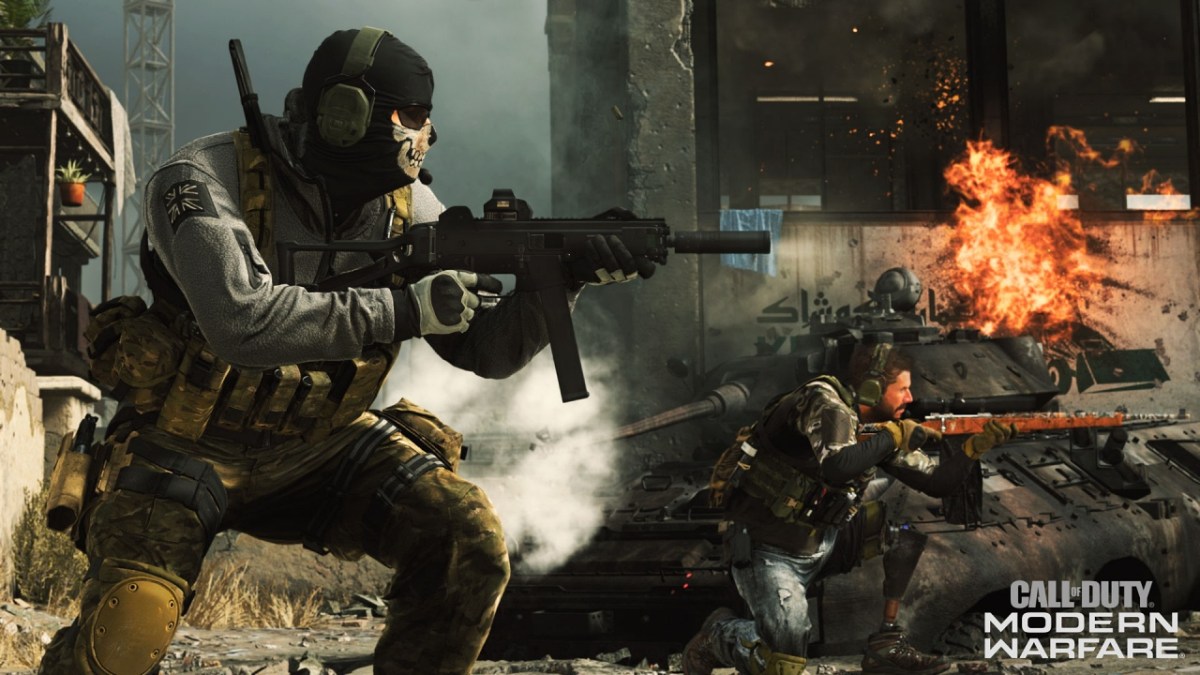

Call of Duty: Modern Warfare provides several ways for players to customize their Operators, including character skins, finishing moves, and quips. Most of these are fairly self-explanatory, although you might not understand how to use quips at first. Quips only trigger under a very specific set of circumstances, and there isn’t a direct way of using them like sprays or gestures. This is how to use quips in Call of Duty: Modern Warfare.
How to Use Quips in Modern Warfare
In Modern Warfare, quips are automatically used when you perform a finishing move on an unaware foe. After netting a flashy execution, your character will say whichever quip they currently have equipped to further rub salt in your opponent’s wound. Unfortunately, quips cannot be used freely like voice lines in other multiplayer games like Overwatch. They’re strictly tied to executions. Operators each have their own unique quips available from the start, and several more are obtainable through the store or battle pass. Ghost, for example, came with a quip when purchasing the Season 2 battle pass, but purchasing the Modern Warfare 2 Campaign Remastered Bundle will provide you with a new Ghost finishing move along with his “Stay Frosty” voice quip.
Quips aren’t the most prominent customization feature in Modern Warfare, but they’re still a fun way to disrespect your opponents in a multiplayer match. You can change your equipped voice quip by going into the Operator customization menu and navigating to the quips tab, which is found between skins and finishing moves. While some quips come in bundles with certain finishing moves, they’re not linked together, meaning you can freely pair any quip with any finishing move of your choosing. Also, just like Operator skins and weapons skins, quips carry over to Call of Duty: Warzone, so everything here also applies to the free-to-play battle royale mode.


Published: Apr 11, 2020 04:56 pm