



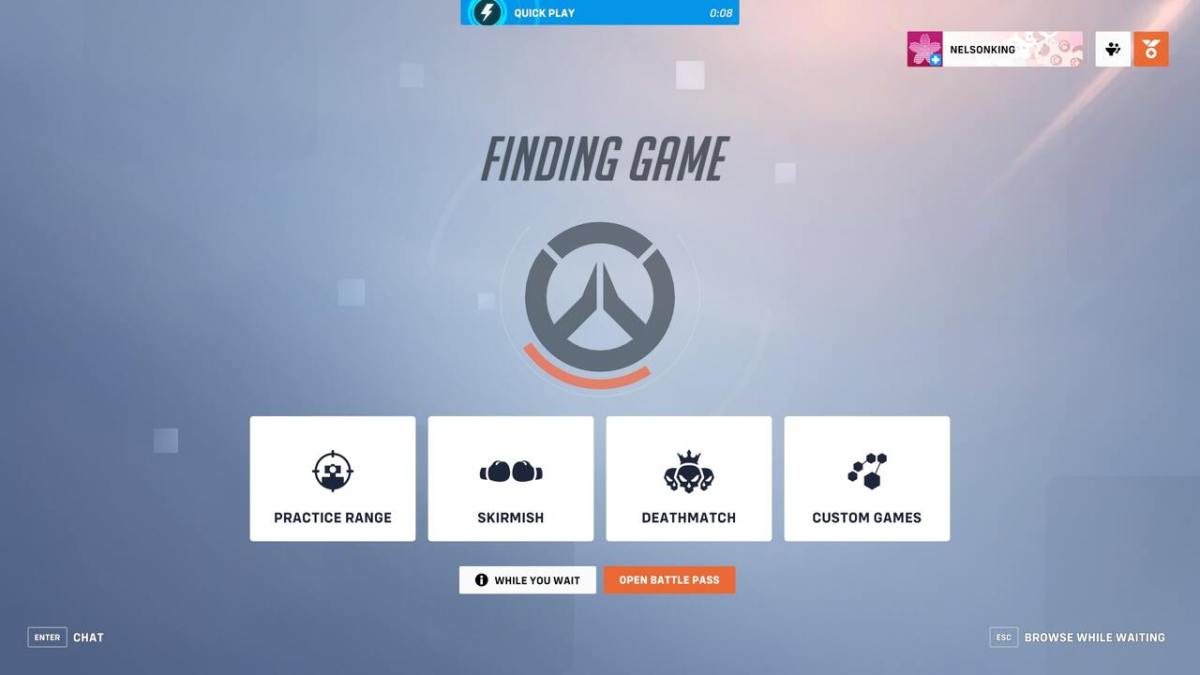

If you are getting PTSD of when Overwatch 2 first launched by getting stuck connecting errors, you’ve come to the right place. Whether you’re trying to jump in and master Lifeweaver’s abilities or are getting plagued with failed to connect to game server errors, we’ve got you covered. Here’s how to fix any Overwatch 2 stuck connecting errors.
Overwatch 2: How to Fix Stuck Connecting
There are numerous reasons why you might be stuck connecting in Overwatch 2. Luckily, for every reason, there is a fix.
Related: How to Play Ashe in Overwatch 2
Check Your Internet Connection
Since Overwatch 2 is an online game, you need to have a solid internet connection to play it. If you are on wifi, try wiring in directly to your internet router. If this fixes your issues, you’ll know it is your wifi connection.
You might need to try playing Overwatch 2 on a different network as well. Try a different wifi or internet router if you have it. If all else fails, try restarting your device and trying to log into OVerwatch 2 again.
Check the Server Status
Blizzard often undergoes DDoS which could be the cause of your connection issues. Check Twitter and the rest of the internet to see if Blizzard games, in general, are getting attacked by DDoS. If that’s the case, the only thing you can do is wait it out.
Change Your Region
A fix that usually works is changing your region. This is done easily on PC through Battle.net. Simply go to Overwatch 2 on the Battle.net app and change the region by selecting the globe icon.
Changing your region is a lot more complicated on consoles. It isn’t impossible, but it is hard and not recommended.
Update the Game
Overwatch 2 might simply need an update. On whatever platform you are on, check to see if you have the latest Overwatch 2 update. If you don’t, the new update might be the reason you couldn’t connect.

Published: Apr 19, 2023 02:15 pm